 Micah's Malwr Club
Add lightboxing to images on Trilium
At some point I will cover this more in-depth, but I think this will be pretty straightforward.
Currently, for Trilium Notes shares - there is not existing method/feature for lightboxing your images. There are some plugins to add this within the CKEditor, and, from what I have seen it works. The issue is that the functionality does not carry over into the public view.
I added the following JS code to my “Meta” ShareJS template for my blog. It works pretty well too! I will add a photo below the code and you can test it yourself.
Read more about ShareJS and ShareCSS templates for your Trilium Notes:
   const lightboxOverlay = document.createElement('div');
    lightboxOverlay.id = 'lightbox-overlay';
    lightboxOverlay.style.cssText = `
        display: none;
        position: fixed;
        inset: 0;
        background: #000000cc;
        z-index: 1000;
        cursor: zoom-out;
        align-items: center;
        justify-content: center;
    `;

    const lightboxImg = document.createElement('img');
    lightboxImg.style.cssText = `
        max-width: 90vw;
        max-height: 90vh;
        object-fit: contain;
        border-radius: 6px;
        box-shadow: 0 0 40px #000;
        transition: transform 0.2s ease;
    `;

    lightboxOverlay.appendChild(lightboxImg);
    document.body.appendChild(lightboxOverlay);

    document.querySelectorAll('#content img').forEach(img => {
        img.style.cursor = 'zoom-in';
        img.addEventListener('click', function() {
            lightboxImg.src = this.src;
            lightboxImg.alt = this.alt;
            lightboxOverlay.style.display = 'flex';
            document.body.style.overflow = 'hidden';
        });
    });

    lightboxOverlay.addEventListener('click', function() {
        lightboxOverlay.style.display = 'none';
        lightboxImg.src = '';
        document.body.style.overflow = '';
    });

    document.addEventListener('keydown', function(e) {
        if (e.key === 'Escape' && lightboxOverlay.style.display === 'flex') {
            lightboxOverlay.style.display = 'none';
            lightboxImg.src = '';
            document.body.style.overflow = '';
        }
    });
My delicious breakfast from Great Harvest in Idaho Falls 🤤
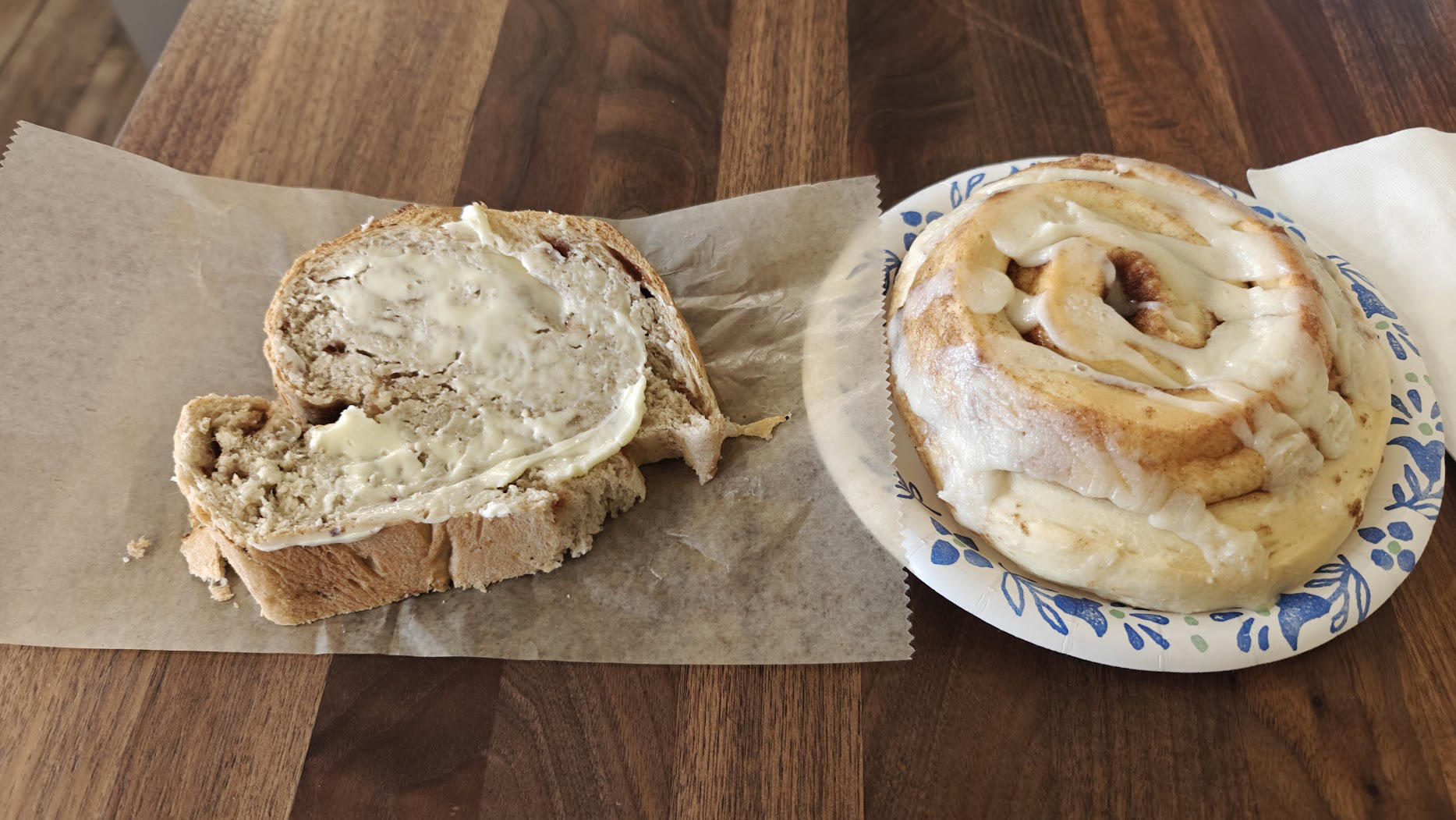
(Click to expand!)